
WordPress
Traditional or headless
The most familiar editor on earth, rebuilt properly: custom blocks, no bloated builders, hardened hosting and managed updates.
- Custom Gutenberg blocks
- WooCommerce ready
- Multilingual with WPML
- Role based workflows
We model your content around the pages you really publish, wire it into the front end, and hand it over with training. Twelve systems supported, one flat monthly plan.
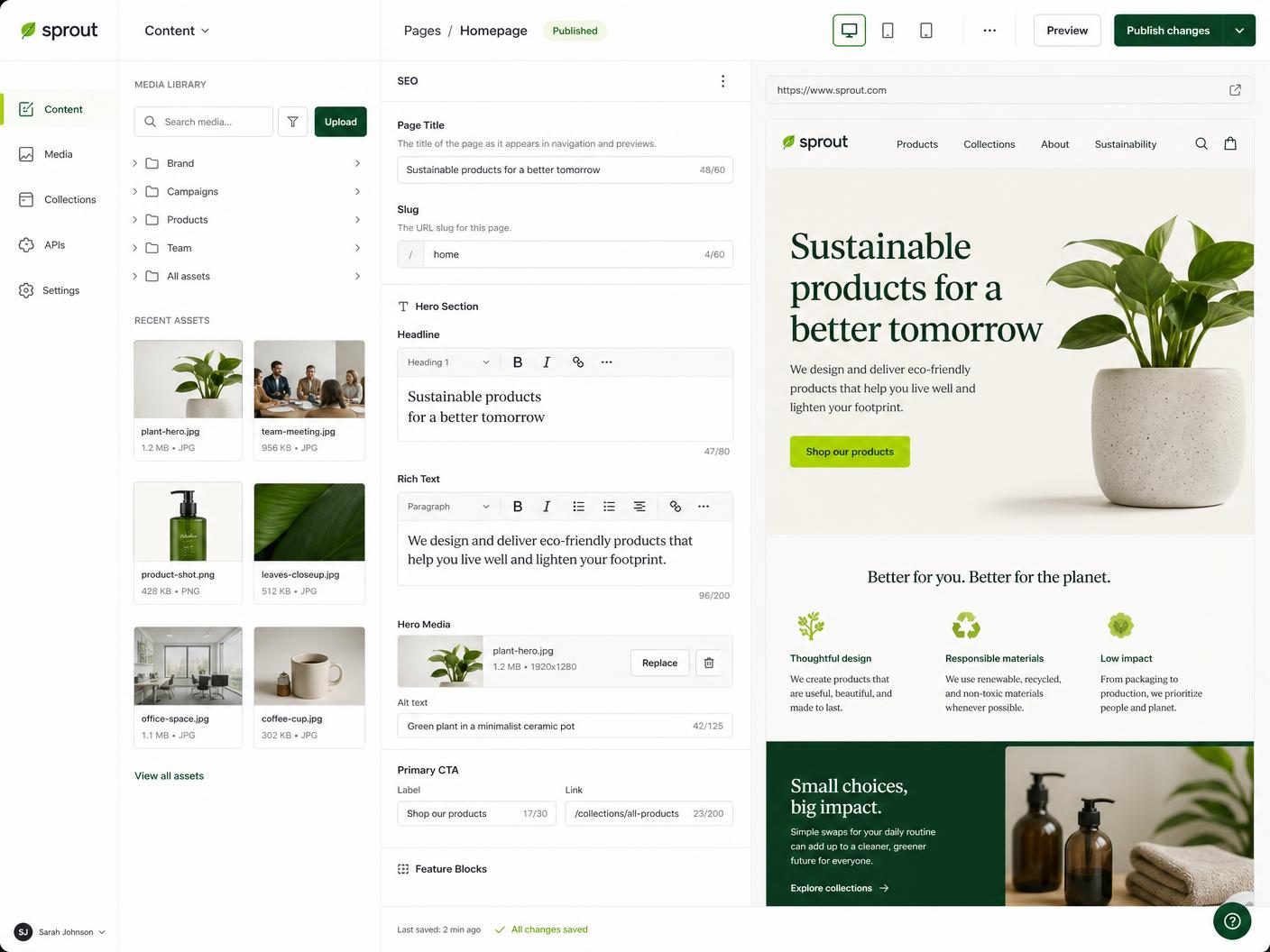
Traditional or headless
The most familiar editor on earth, rebuilt properly: custom blocks, no bloated builders, hardened hosting and managed updates.

Headless, real time
Structured content with live preview and real time collaboration. Our default when a team wants content modelled properly across many surfaces.

Headless, enterprise
Mature governance, environments and localisation. A safe choice when compliance, approvals and multi brand content are part of the brief.

Headless, visual
Component based editing with a true visual editor, so marketers assemble pages from the same blocks we build in code.

Headless, self hosted
TypeScript native and self hosted next to your app. Perfect when content, auth and custom business logic live in one codebase.

Headless, open source
Open source and endlessly extensible. Good fit when you want to own the CMS entirely and extend it with your own plugins.

Headless, slices
Slice based page building that maps cleanly to a component library, with a light editor your team learns in an afternoon.

Publishing and memberships
Editorial and newsletter first. When content marketing, memberships and paid subscriptions are the growth engine.

Commerce content
Products, collections and metaobjects as your content layer, wired into whichever front end we build.

Visual, hosted
Hosted collections with a visual editor for teams that want to publish without any deployment step.

Data first
A CMS layer over your existing SQL database. Ideal for migrating legacy data without reshaping everything first.

Enterprise, public sector
Heavy duty content modelling, accessibility and workflow compliance for large organisations and public sector sites.
We map page types, components and fields to how you publish.
Schemas, previews, roles and validation wired to the front end.
Existing content scripted across with redirects preserved.
Live walkthrough plus a written playbook for your editors.
If your team publishes daily and wants the most familiar editor, WordPress. If content feeds several surfaces such as web, app and email, a headless CMS like Sanity, Contentful or Storyblok. We recommend one in your first request, with reasons.
Yes. We map your current content model to the new one, script the migration, keep URLs and redirects intact and run a diff before launch so nothing is lost.
Yes. Localised fields, translated routes and hreflang tags are included on Growth and Scale, whichever CMS you pick.
You do. Projects are created in your organisation, or transferred to it, and we work as invited collaborators.
Every CMS build ends with a live walkthrough and a written playbook covering publishing, media, SEO fields and previews.
We recommend the right system in your first request, then build and migrate it on the same flat plan.
Choose your plan